
Setting Up a Sound System for a Bar (Step-by-Step Guide + Checklist)
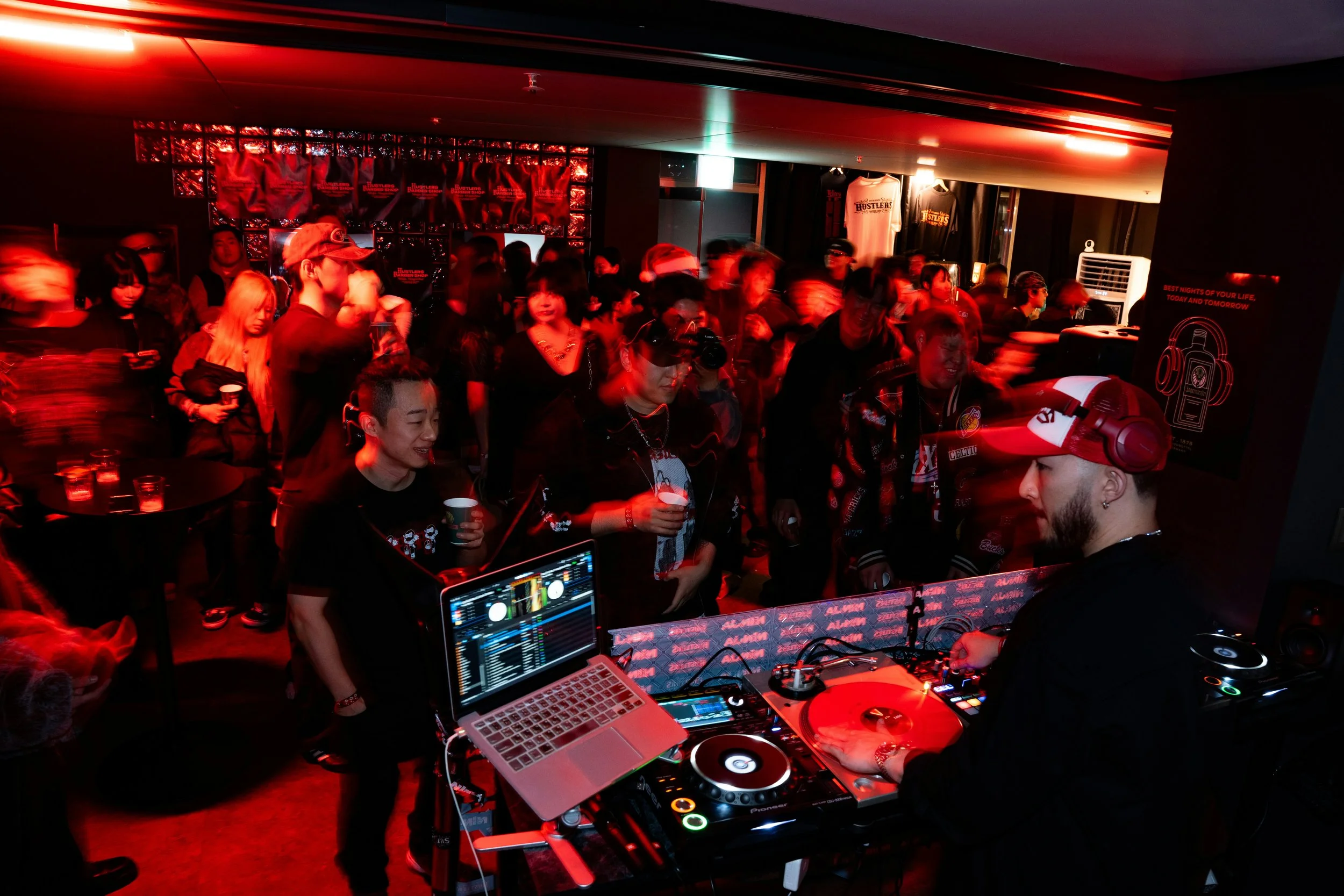
Great sound isn’t a “nice to have” — it sets the mood, keeps guests in the venue longer, and protects your reputation. The goal isn’t just loud music. It’s even coverage, clear vocals, and a system your staff can run confidently.
Step 1: Define your vibe (and volume)
Before you buy anything, decide what your venue is for most nights:
Background / lounge: warm, even sound, lower volume, clarity matters most
Busy bar / high energy: more headroom (power), stronger bass control
DJ nights: higher output, better low-end, proper booth setup
Rule of thumb: buy for your busiest night, then run it quieter when needed.
Step 2: Map the space (coverage beats power)
Walk your venue and mark:
Main guest areas (where you want consistent music)
“Dead zones” (corners, hallways, bathrooms)
Noise-sensitive spots (near neighbours, outdoor boundaries)
Where staff need clear sound (bar, POS area)
What matters most: distributing sound across multiple speakers so you don’t have to blast one area to reach another.
Step 3: Choose the right speaker approach (ceiling vs wall vs portable)
Most bars will use one of these:
A) Ceiling speakers (clean + consistent)
Best for: lounges, dining areas, consistent ambience
Pros: discreet, even coverage
Watch out: bass is limited unless you add a sub
B) Wall-mounted speakers (more punch)
Best for: busy bars, higher-energy venues
Pros: better output, better low-end
Watch out: placement matters to avoid harshness
C) Portable PA-style speakers (fast setup)
Best for: temporary setups, pop-ups
Pros: quick, flexible
Watch out: often uneven coverage and “too loud in one spot”
Step 4: Decide if you need a subwoofer (you probably do)
If you want that “premium venue” feel without cranking volume, a sub helps.
Adds warmth and fullness
Lets you run the system at a lower overall volume
Makes music feel “expensive” instead of thin
Tip: one properly placed sub is usually better than turning everything up.
Step 5: Pick your control setup (keep it staff-proof)
Your sound system must be simple enough that:
Any manager can operate it in 30 seconds
Nobody can “accidentally” destroy the mix
You can switch easily between playlists, DJ, TV, mic
At minimum, plan for:
One master volume
Clear input switching (Music / DJ / Mic / TV)
Limiter to prevent clipping and speaker damage
Step 6: Plan your sources (music, DJ, mic, TV)
Common inputs:
Playlist device (Spotify, SoundCloud, etc.)
DJ controller (RCA/XLR outputs)
Microphone (events, MC, announcements)
TV audio (sports nights)
Important: your system should handle switching sources without unplugging cables mid-service.
Step 7: Installation basics (placement rules that prevent problems)
Simple placement rules that work in most bars:
Aim speakers across the room, not straight down at tables
Use more speakers at lower volume, not fewer speakers at higher volume
Keep speakers ahead of microphones (reduces feedback)
Separate zones: indoor / outdoor / bathrooms (each needs its own control)
Step 8: Tune it properly (this is where most venues fail)
A system can be “good gear” and still sound average if it isn’t tuned.
Basic tuning priorities:
Even volume across the venue (no hot spots)
Clear mids (vocals + groove)
Bass controlled (not boomy, not weak)
Limiter set so it can’t be pushed into distortion
If you do one thing right: tune for consistency, not maximum loudness.
Step 9: Add zones (so you can change the mood by area)
Zones let you do things like:
Louder near the bar, softer in dining
Chill outdoors while energy is high inside
Reduce neighbour risk after certain hours
A simple bar setup often ends up with:
Zone 1: Main bar
Zone 2: Dining / booths
Zone 3: Outdoor
Zone 4: Bathrooms / hallway
Step 10: Create a “set and forget” operating procedure
This stops staff from “messing with it” every shift.
Create:
A default volume level for each zone
A max level (hard limit)
A simple 1-page “how to use the system” guide
A QR code linking to the correct playlist / source
Common Mistakes to Avoid
Buying based on wattage instead of coverage
One loud speaker setup (sounds harsh + uneven)
No limiter (speakers die early)
No zones (staff can’t control problem areas)
No plan for DJ nights (clipping, distortion, complaints)
Download the Bar Sound System Setup Checklist and make sure your venue sounds professional from day one.